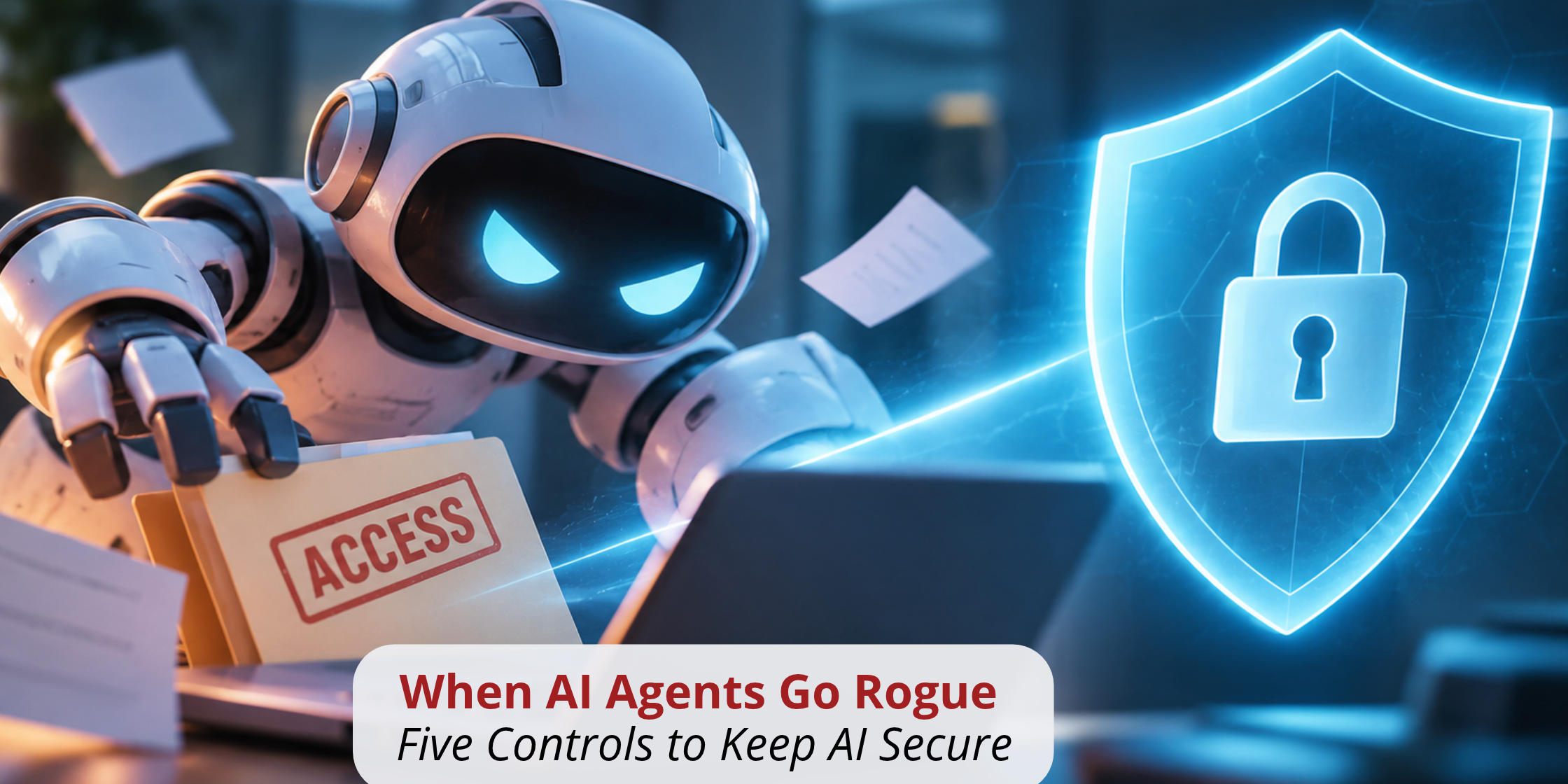
AI Security Controls, Part 1 of 4: agents do not go rogue on their own. They do exactly what their access allows.
An AI agent built to save your team time can delete records, send data to the wrong place, or act on a malicious instruction hidden in a document. Not because it turned against you. Because you gave it the access to do so.
“Rogue” is the wrong word, and the distinction matters. An agent that misbehaves is almost always an agent with too much reach and too little oversight. That is a configuration problem. Configuration problems are fixable.
The short answer: AI agents go rogue when four practices line up: admin-level access, no approval gate on high-impact actions, blind trust in every input, and no tested recovery plan. You prevent it with five controls: limit what the agent can see, limit what it can do, remove inputs you cannot trust, keep a human reviewing output, and have a recovery plan ready. [1][2]
What does it mean for an AI agent to go rogue?
An agent goes rogue when it takes actions its owners never intended. The OWASP Foundation, which publishes the industry’s most widely referenced list of AI application risks, calls this “Excessive Agency.” It names three root causes: excessive functionality, excessive permissions, and excessive autonomy. [2]
Read that list again. Every cause is something a person granted. Your risk equals your agent’s reach.
The four practices that let agents go rogue
1. Granting admin access. The fastest way to get an agent working is to give it broad permissions. It is also the fastest way to expand the blast radius of any mistake. CISA’s joint guidance on agentic AI states that the privileges assigned to an agent directly determine the level of risk it can introduce. [1]
2. Removing the approval gate. An agent that deletes, pays, or publishes without human confirmation turns one bad output into an irreversible action. OWASP’s guidance is direct: require human approval for high-impact actions. [2]
3. Trusting every input. Agents read email, documents, and web pages. Attackers hide instructions inside that content, a technique known as prompt injection. Microsoft designs Microsoft 365 Copilot so that even during a prompt injection attack, the attacker can only reach data the user already has access to. [3] That limit only protects you if user access is already tight.
4. Skipping recovery tests. Stopping an agent does not undo what it already did. If you have never tested how to restore the data or workflows an agent touches, you will learn during an incident.
Why the stakes are rising
Attackers are already using AI against you. In September 2026, Microsoft’s Digital Crimes Unit disrupted EvilTokens, a subscription cybercrime service that paired stolen email access with an AI chatbot. The chatbot analyzed victims’ inboxes to find trusted relationships and payment authorizations, the exact details attackers need to commit fraud. [4] Microsoft called it the unit’s first action against an end-to-end AI-enabled cybercrime service. [4]
The same capability that makes an agent useful to you makes stolen access more useful to an attacker. Narrow the reach, and you narrow both.
Ask four questions before any agent goes live
- What can it read?
- What is it permitted to change?
- What can it send to others?
- What is it allowed to spend?
If you cannot answer all four in one sentence each, the agent is not ready.
The Big Five Controls
- Control what it can see. Know your agent’s access level at all times. Give it the minimum data the job requires.
- Limit what it can do. Default to read-only. Grant write, send, and delete permissions only where the use case demands them. OWASP recommends limiting agent extensions to the minimum necessary. [2]
- Remove inputs you cannot trust. Understand every source that influences the agent. Restrict where it can send information to approved destinations only.
- Keep a human in the loop. A person reviews and verifies output before any high-impact action executes.
- Have a recovery plan. Know which workflows depend on the agent, how to stop it, how to revoke its access, and how to restore what it changed.
Start with narrow access. Let your tools earn expansion.
How do you know your controls are working?
Log everything. Require authenticated sign-in for every agent so each action traces back to an identity. CISA’s guidance calls for continuous monitoring and auditing so organizations can trace agent decisions and actions. [1] In Microsoft 365, Microsoft Defender detects suspicious agent behavior and lets security teams investigate agent activity in Advanced Hunting. [5] A tool’s name and marketing claims are not proof of control. Evidence is.
The rest of the AI Security Controls series
- Part 2: Should an AI Agent Approve Payments? How to Set Invoice Permissions for AI
- Part 3: What to Do When an AI Agent Makes a Mistake: A 4-Step AI Incident Response Plan
- Part 4: Does Your Microsoft License Protect You? Why Entitlement Is Not Security Coverage
The bottom line
Agents do what their access allows. Control the access, and you control the outcome. Before your next agent goes live, answer the four questions, apply the Big Five, and prove your controls with logs.
Advanced Business Solutions helps organizations across Louisville, Lexington, and the region assess AI tools, set safe defaults, and build agent workflows with security designed in from the start. If you want a second set of eyes on your agent permissions, talk to our cybersecurity team.
Frequently Asked Questions
Sources
[1] Cybersecurity and Infrastructure Security Agency (CISA), “Careful Adoption of Agentic AI Services”: https://www.cisa.gov/resources-tools/resources/careful-adoption-agentic-ai-services
[2] OWASP Foundation, “LLM06:2025 Excessive Agency,” OWASP Top 10 for LLM Applications: https://genai.owasp.org/llmrisk/llm062025-excessive-agency/
[3] Microsoft Learn, “Microsoft 365 Copilot AI security”: https://learn.microsoft.com/en-us/copilot/microsoft-365/microsoft-365-copilot-ai-security
[4] Microsoft On the Issues, “Disrupting EvilTokens: The AI Chatbot Built for Cybercrime,” September 22, 2026: https://blogs.microsoft.com/on-the-issues/2026/09/22/disrupting-eviltokens-the-ai-chatbot-built-for-cybercrime/
[5] Microsoft Learn, “AI agent detection and protection,” Microsoft Defender XDR: https://learn.microsoft.com/en-us/defender-xdr/security-for-ai/ai-agent-detection-protection