A browser can help someone log in faster. A business password manager helps an organization manage access responsibly. Here’s the difference, and how to choose one.
Key Takeaways
- A business password manager is not a polished version of browser password storage. It is an access management tool, and the difference is governance, not autofill.
- Business credentials should be treated as business assets. That means central control over where they live, who can access them, and what happens when someone changes roles or leaves.
- The five core benefits are: centralized control, secure sharing, stronger passwords by default, reduced dependence on individuals, and cleaner offboarding.
- The specific product matters less than the principle, but choose a reputable business password manager with MFA and strong administrative controls. No password manager is automatically safe simply because it’s a password manager.
Why this stopped being just a security-team concern
Password managers used to be the kind of thing only the security team thought about. That has changed. As more business-critical access moved into vendor portals, cloud consoles, and SaaS applications, the question of where credentials live and who controls them became an operational and leadership concern, not just a technical one. (For the full picture of why browser-saved passwords create business risk, see our companion article on that topic.)
The shift has regulatory backing too. The US Cybersecurity and Infrastructure Security Agency (CISA) recommends company-wide password managers because they help employees generate, store, and autofill complex passwords while requiring them to remember only one strong master password. What was once a power-user tool is now a baseline business control.
What is a business password manager, really?
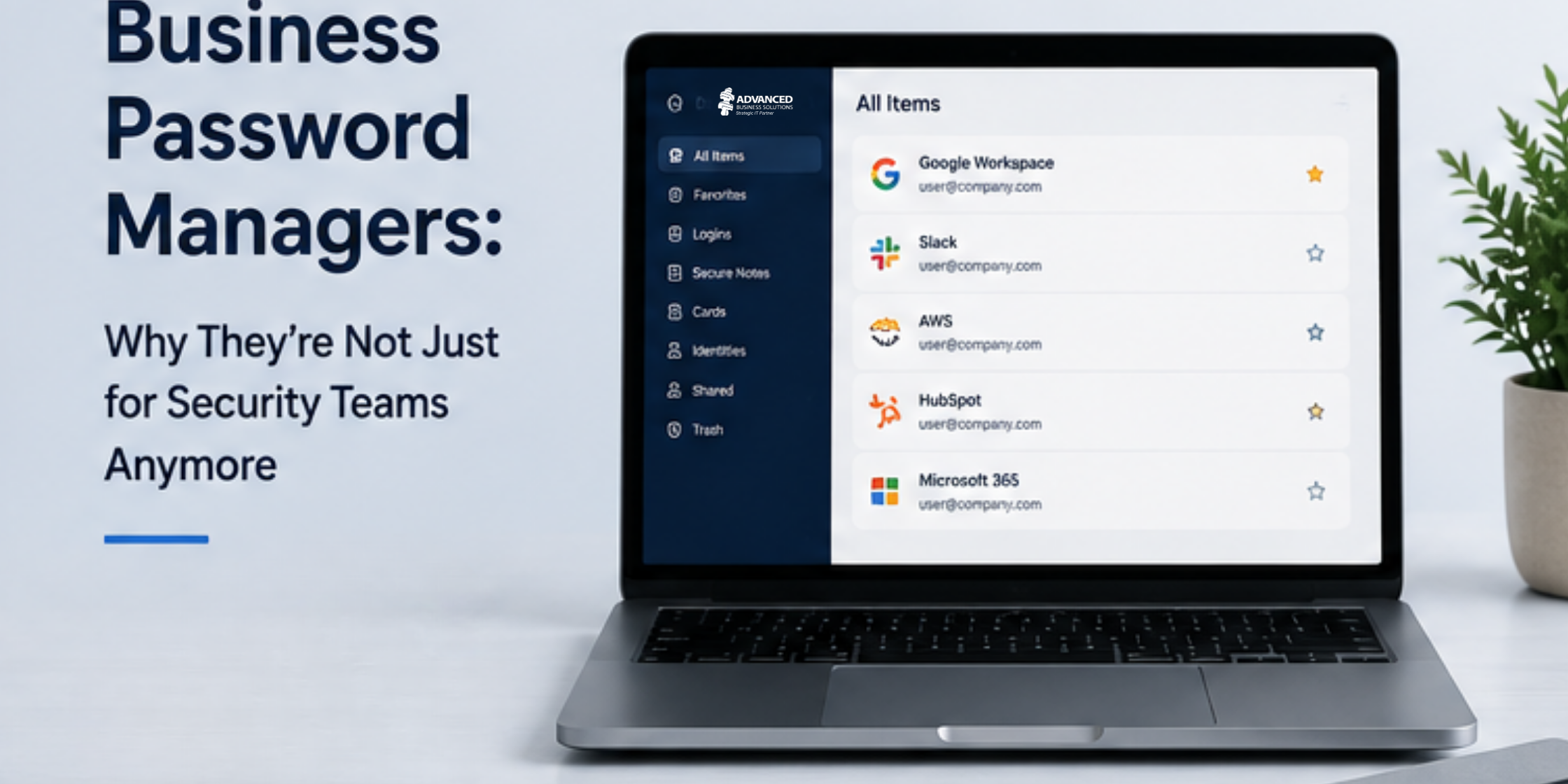
A reputable business password manager is not simply a more polished version of browser password storage. It is an access management tool. The distinction sounds small and is actually the entire point. Browser password tools are built to make one person’s logins faster. A business password manager is built to let an organization control, share, and govern access across many people, roles, and systems.
That reframing (from autofill convenience to access management) is what makes a password manager relevant to business leaders and not just IT.
The five things a business password manager does that a browser can’t
Centralized control
IT and leadership can define where business credentials should live, who can access them, and what happens when someone changes roles or leaves. Instead of credentials scattered across browser profiles and personal devices, there is one governed source of truth.
Secure sharing
Instead of emailing passwords, sending them through Teams, saving them in spreadsheets, or writing them in notes, users can share credential records with defined permissions. The credential is shared without the plaintext password being copied into an insecure channel.
Stronger passwords by default
Password managers make it practical to use long, unique, random passwords for every account. That directly reduces the damage caused by password reuse, which remains one of the most common ways a single breach cascades into many.
Reduced dependence on individuals
Business access should not depend on one person’s browser profile or memory. Shared vaults and role-based access help keep the organization functioning when a key person is on vacation, out sick, or no longer with the company.
Cleaner offboarding
When staff leave, access can be reviewed, transferred, revoked, or reassigned through a managed process, rather than discovering weeks later that a departed employee’s browser held the only copy of a critical vendor login.
Browser-saved passwords vs. business password managers
The clearest way to see the difference is side by side:
| Browser-saved passwords | Business password managers |
|---|---|
| Built for individual convenience | Built for managed access |
| Tied to the user profile and endpoint | Centralized credential governance |
| Limited business oversight | Secure sharing and permissions |
| Weak offboarding control | Strong, unique password generation |
| Easy for credentials to become scattered | Better continuity when employees leave |
How to choose a business password manager
The specific product matters less than the principle: business credentials should be managed as business assets. That said, not every password manager is equally suited to business use, and no password manager is automatically safe simply because it’s a password manager. A few criteria separate a business-grade tool from a consumer one.
- Enforced multi-factor authentication: The master password should be protected by MFA, ideally phishing-resistant MFA, so a single compromised master password doesn’t expose the whole vault.
- Role-based access and shared vaults: You need the ability to grant access by role, share specific credentials with specific people, and segment vaults by team or function.
- Administrative controls and reporting: Look for policy enforcement, access reporting, and audit logs so leadership can actually see and govern credential access.
- Recovery and continuity processes: There should be a defined process for recovering access and reassigning credentials when someone leaves, without depending on that person.
- A reputable, well-maintained provider: Choose an established vendor with a strong security track record and a history of transparent incident handling. The provider holds your most sensitive data, so their security posture is your security posture.
Frequently asked questions
A browser password manager is built to make one person’s logins faster through autofill. A business password manager is built for managed access across an organization: centralized control, secure sharing with permissions, role-based access, reporting, policy enforcement, and recovery processes. The browser tool is a convenience feature. The business tool is an access management system.
Most do. The need is driven less by company size than by how much business-critical access exists: vendor portals, financial systems, cloud consoles, domain registrars, and administrative tools. Even a small business with a handful of employees usually has dozens of these accounts, and the risk of those credentials living in scattered browser profiles or spreadsheets grows with every one. A business password manager is one of the highest-value, lowest-cost security controls a small or mid-sized business can adopt.
A reputable business password manager, configured with MFA and strong administrative controls, meaningfully reduces credential risk and improves governance. It does not eliminate risk entirely. No tool does. The provider’s own security matters, the master password and MFA configuration matter, and good practices around access reviews still matter. The right framing is that a password manager reduces risk and improves control, not that it makes credentials risk-free.
The bottom line
A browser can help someone log in faster. A business password manager can help an organization manage access responsibly, with stronger passwords, safer sharing, cleaner offboarding, and more resilient operations. For business-critical credentials, that difference is worth the small effort of making the switch.
If you’re not sure where your organization’s critical credentials live today, or how to roll out a business password manager without disrupting your team, Advanced Business Solutions can help you assess your current state and put a managed approach in place. Call 502-896-2557 or visit AdvancedBusinessSolutions.com.
Sources
Factual claims in this article are drawn from the following sources, current as of publication. Verify any specific reference before reuse.
[1]Cybersecurity and Infrastructure Security Agency (CISA), guidance on strong passwords and company-wide password managers — https://www.cisa.gov/secure-our-world/use-strong-passwords